The question bank
The question bank holds questions you can drop into any questionnaire. Write a question once here and reuse it, rather than retyping it for every questionnaire.
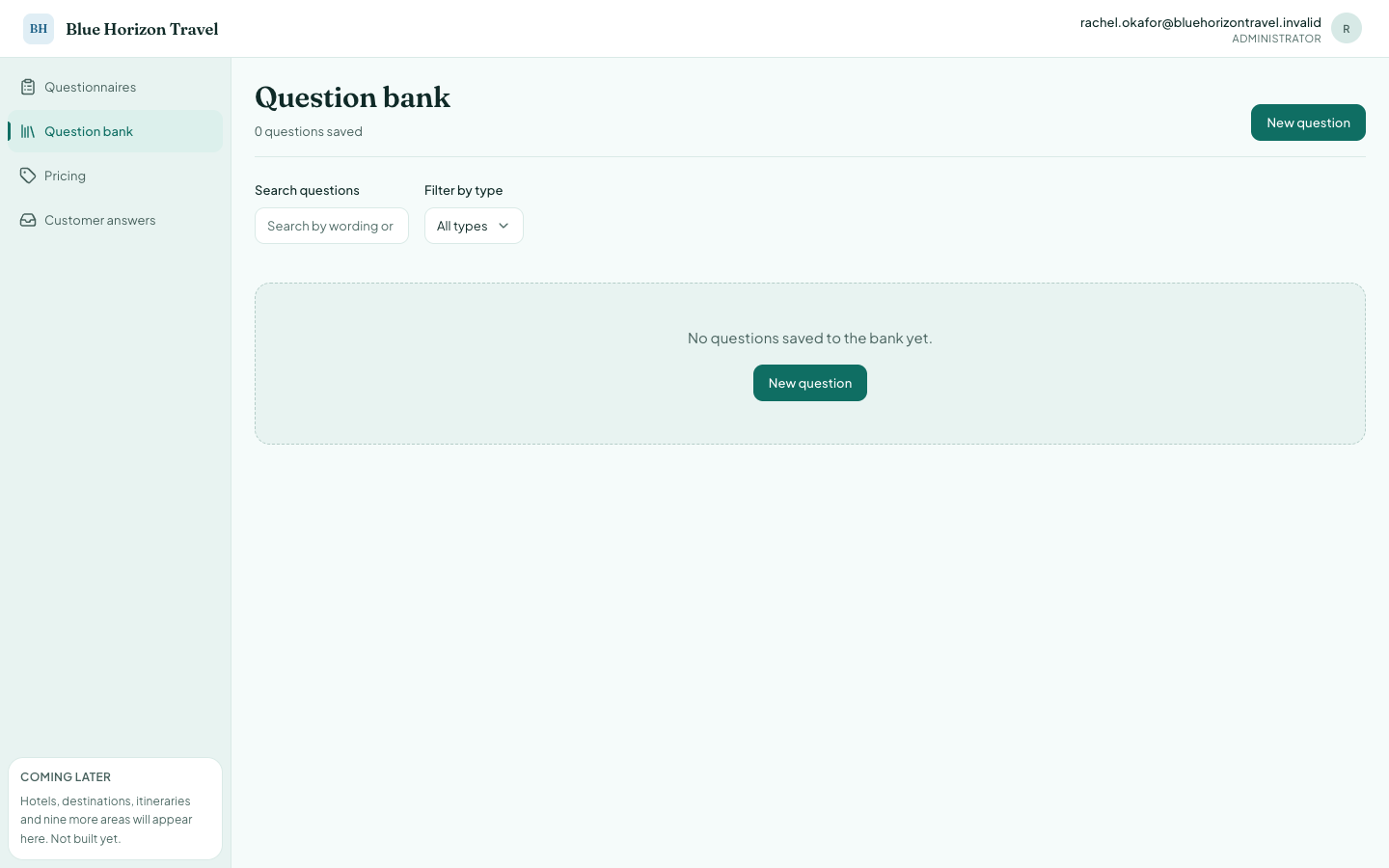
A question saved here is a template. Adding it to a questionnaire takes a copy, so editing the template later does not disturb questionnaires already using it. That is deliberate: a published questionnaire never changes under a traveller's feet.
Writing a new question
Press New question.
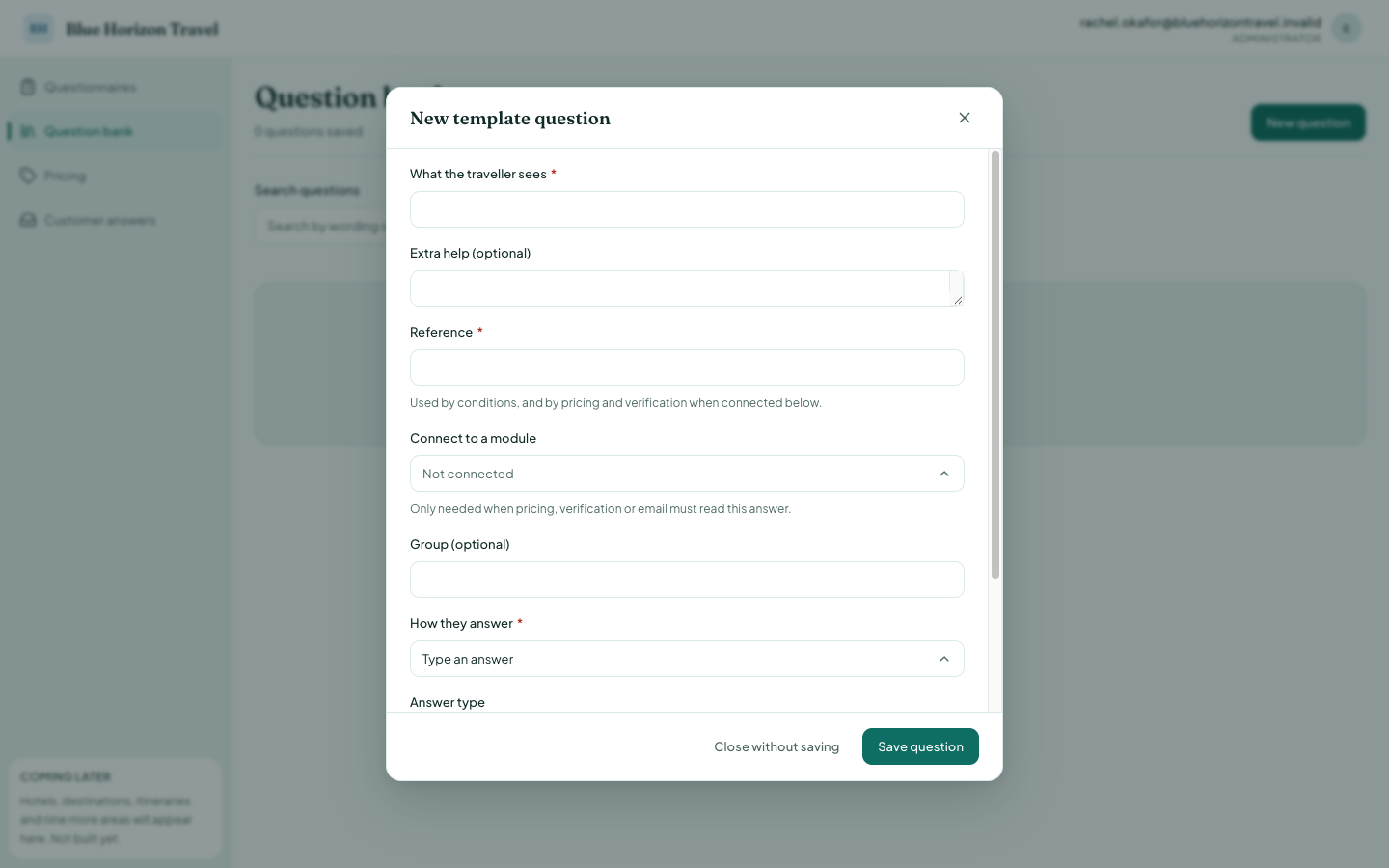
| Field | What to put in it |
|---|---|
| What the traveller sees | The question itself, in plain language. Required. |
| Extra help | An optional hint shown under the question. |
| Reference | A short name you choose, e.g. nights. Required. |
| Connect to a module | Only needed when pricing or email must read the answer. |
| Group | Optional heading used to organise this screen. |
| How they answer | The kind of answer: typed, a choice, a date, a slider. |
About the Reference. This is the name the rest of the system uses for the answer. Conditions ("only ask this if…") refer to it, and so does pricing. Keep it short and recognisable — you will be reading it on other screens.
About Connect to a module. Leave this as Not connected unless the answer has to drive something. The list is a fixed set of nine slots the system understands: Travel dates, Nights, Adults, Children, Rooms, Destinations, Hotel rating, Email address, Phone number. If you want pricing to use the number of nights a traveller gives you, connect that question to Nights. A question that exists only for your own information needs no module.
Saying something before you ask
Under the question is Messages before this question (optional). Each row you add appears as its own chat bubble, in order, immediately before the question itself.
Use it where a question needs setting up — context, reassurance, a note about why you are asking:
"Almost done." "We only use this to send your quote." "What is your email address?"
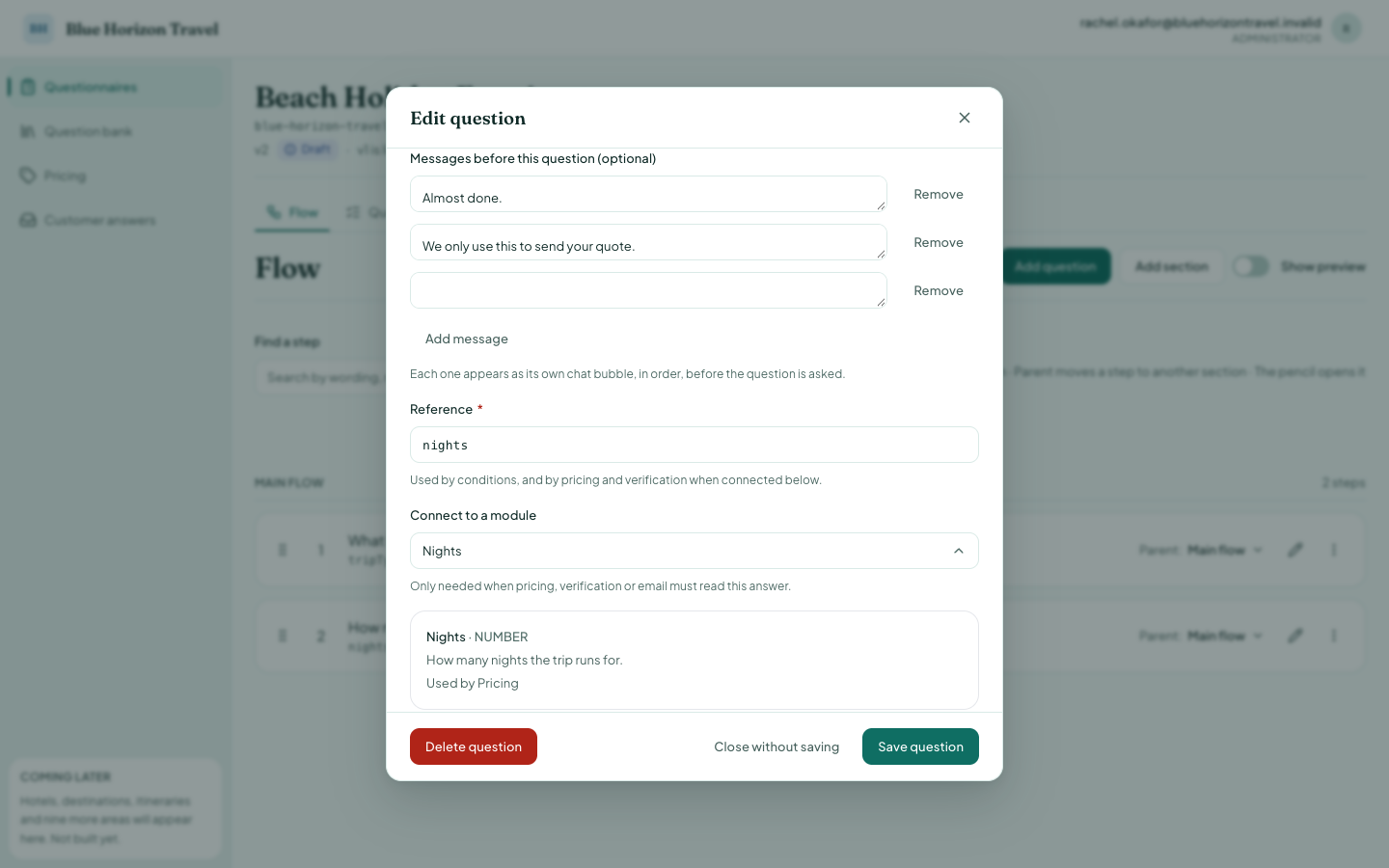
Press Add message for each one, up to ten. Remove takes a row away. A row left blank is simply ignored when you save, so an empty box is never a problem.
A question in the bank keeps its messages, so adding it to a questionnaire brings them along. They also show in the preview and in the traveller's transcript when they scroll back, exactly as they were said.
Questions with a list of answers
Choose Pick one answer (or Pick several answers) under How they answer and an Options section appears. Press Add an option for each choice.
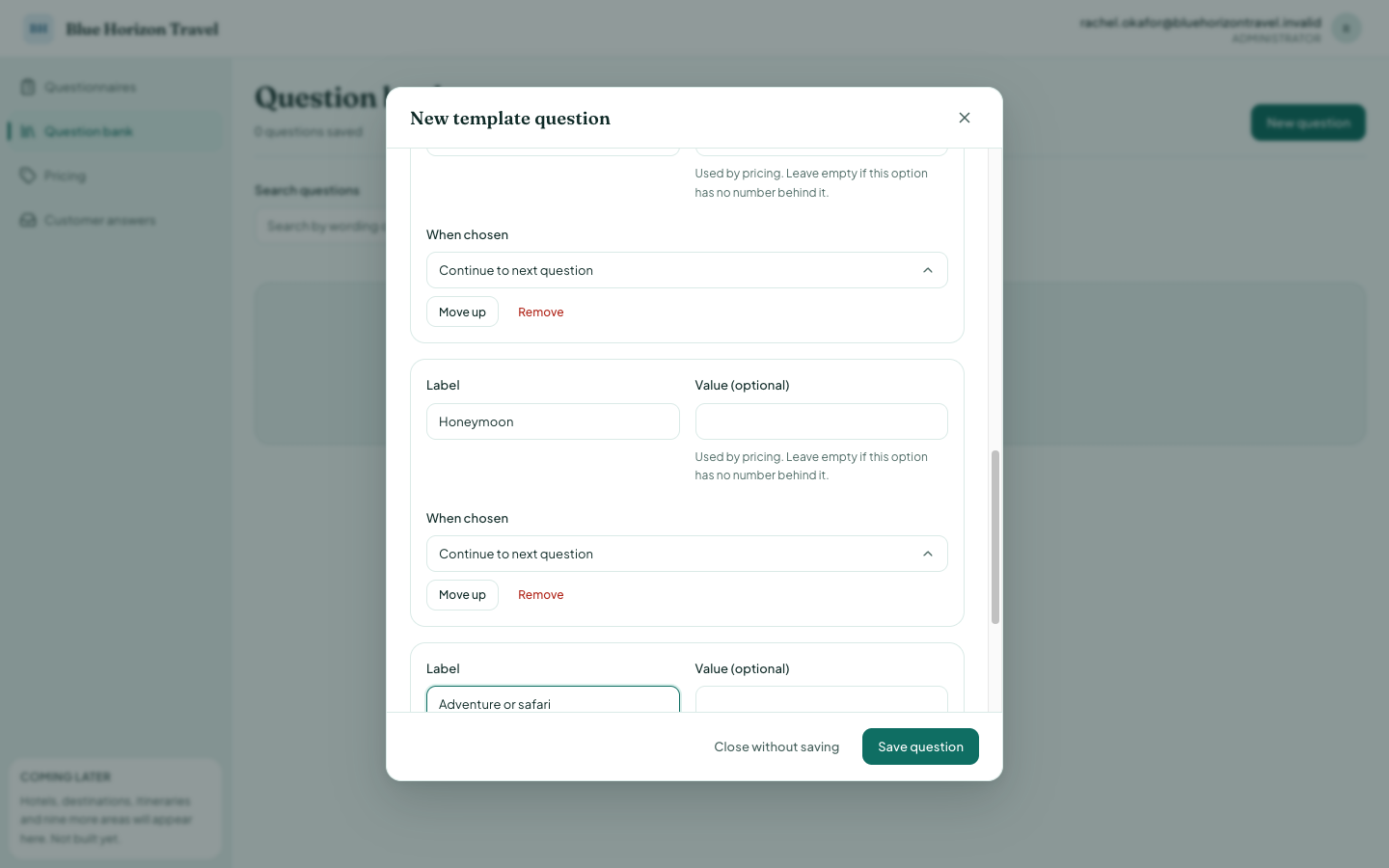
Each option has:
- Label — what the traveller reads, e.g. "Beach holiday".
- Value — an optional number behind the choice, used by pricing. If an option
means "about 7 nights", put
7here and pricing can use it. Leave it empty when the choice has no number behind it. - When chosen — what happens next. Continue to next question is the normal setting.
Press Save question when the options are right.
Showing an option only sometimes
An option can be hidden until an earlier answer calls for it. Under each option is Only show {label} when… — press it and build the condition the same way as a question's.
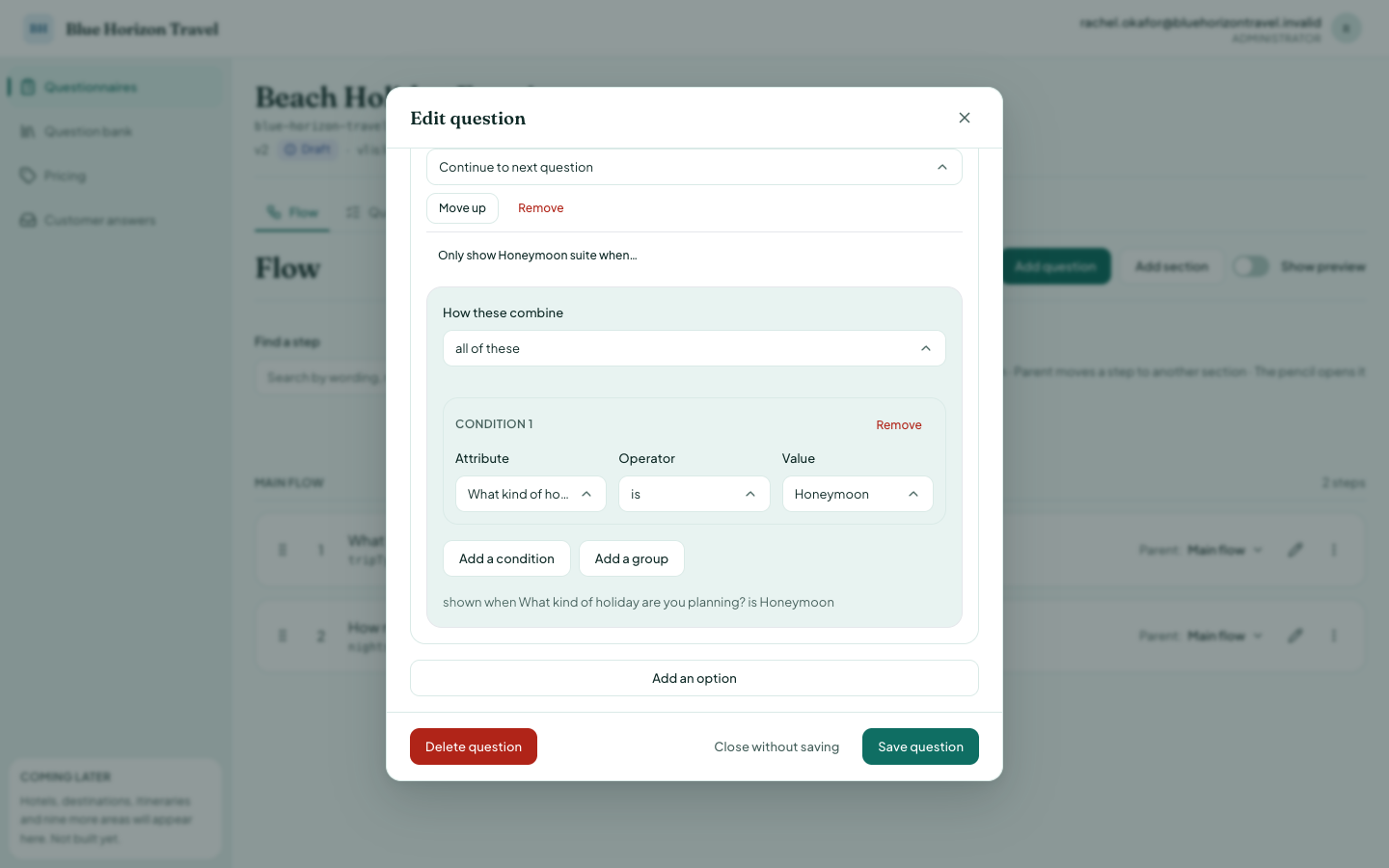
Use it when one list covers several kinds of traveller: offer Honeymoon suite only to someone who said they were travelling as a couple, instead of writing two near-identical questions.
Three things to know:
- The condition can only use answers given earlier in the flow, including nothing from this question itself. If nothing is asked before this question, the button does not appear at all.
- Conditions match the option's label — the words the traveller reads.
- A hidden option is never sent to the traveller's browser, so it cannot be picked by accident, and a traveller who changes an earlier answer cannot keep a choice that no longer applies.
In the question bank the button is absent: a template has no flow, so there is nothing it could come after. Add the question to a questionnaire first, then set the condition there.
Leave 'Where the choices come from' set to Fixed list
When you add a choice question to a questionnaire, a Where the choices come from setting appears, offering Fixed list or From a catalogue.
Choose Fixed list. Catalogues are not finished yet: a question set to From a catalogue saves and publishes without complaint, but the traveller is then told the choices could not be loaded, and cannot continue. Retrying does not help.
Changing or removing a question
Each question in the bank has Edit, Add to a questionnaire and Delete. Deleting asks you to confirm, and tells you what else is affected.
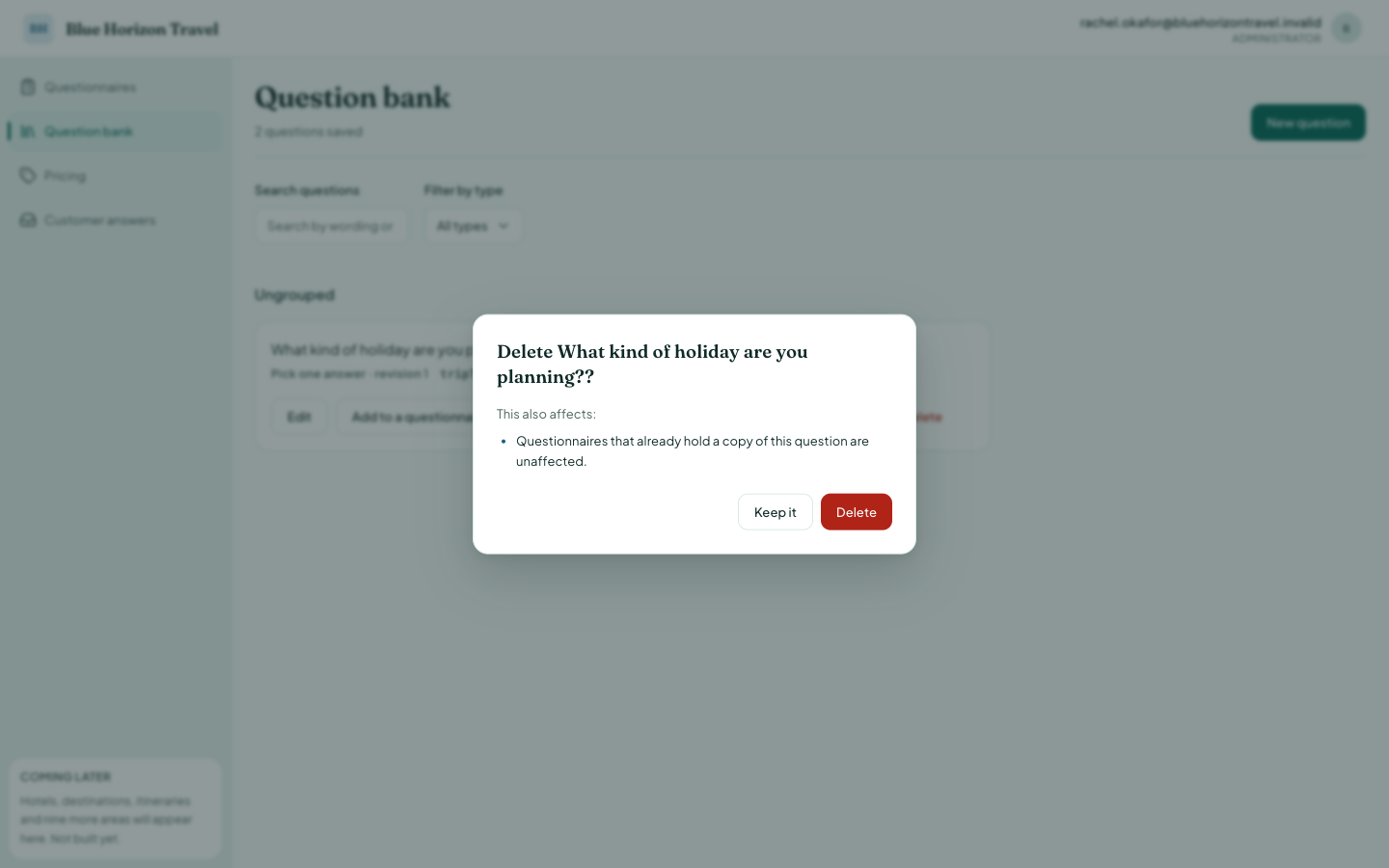
Read that confirmation. It states plainly that questionnaires already holding a copy of the question are unaffected, so deleting from the bank does not break anything already live.